Your own shop QR
Customers scan the code at your counter and open the upload page in their phone browser.
 Create your QR code
Receive customer files and print choices in one request, then print from your shop computer and mark the job ready.
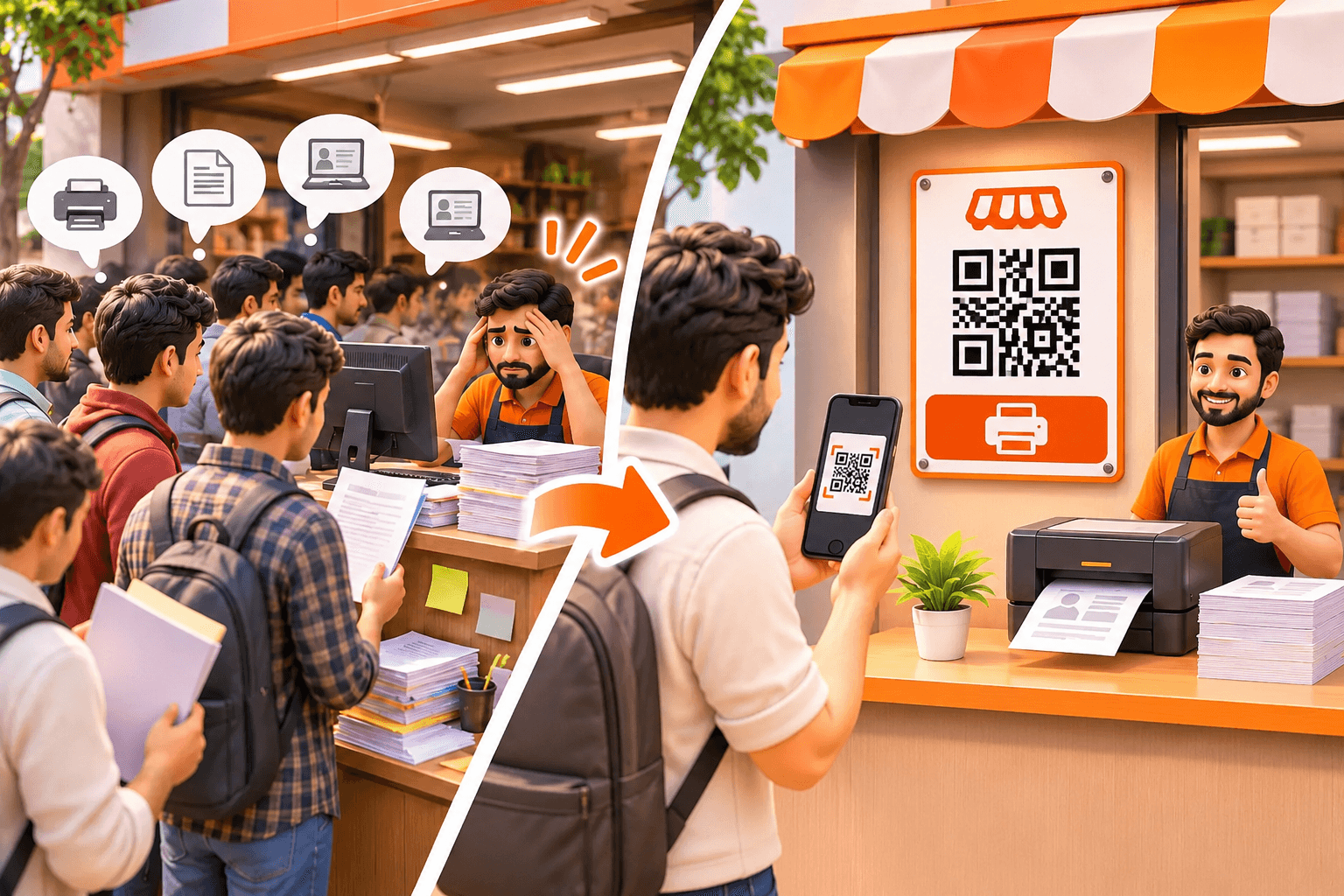
Customers scan the code at your counter and open the upload page in their phone browser.
Each PDF or image arrives with the requested copy count and colour choice.
Set separate rates for colour and black and white. Customers see the total before submitting.
See incoming requests and download files from your dashboard.
Open downloaded files and print with the usual print dialog on your shop computer.
Record cash collection and update jobs as ready or picked up.